Landing Page Standards

If you're building a page that mentions Xima, this is your starting point. It covers what needs to be there, what to avoid, and how to get it reviewed before it goes live. 

Landing-page-design
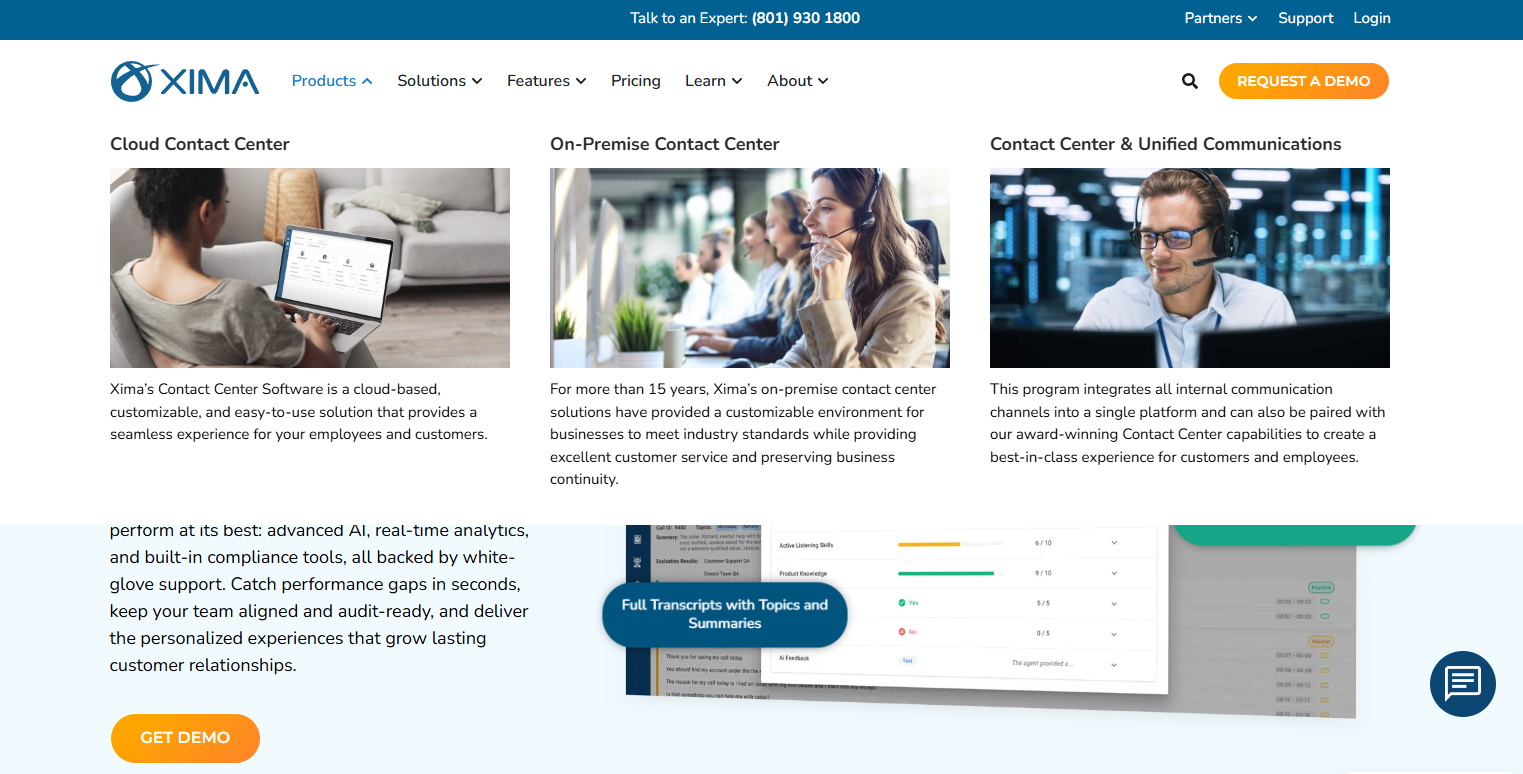
Screenshot 2026-07-01 072741

What Must Be on Every Xima Partner Page

These are non-negotiable. Every page that references Xima needs to include:

  • Accurate product description using approved messaging from the Brand and Messaging page

  • Correct logo usage following the logo guidelines in the Brand and Messaging page

  • A clear indication that you are a Xima partner, not Xima itself

  • A link to ximasoftware.com for customers who want to learn more directly from Xima
Approved Headlines and Value Prop Language

Use these as your starting point. You can adapt the wording but stay close to the approved positioning.

Headlines that work:

  • "Enterprise-grade contact center technology built for growing businesses"

  • "Real-time visibility and AI-powered analytics for your contact center"

  • "The contact center platform that's actually easy to use"

  • "Powerful reporting. Omnichannel support. No enterprise complexity."

Value prop statements you can use:

  • Xima gives contact center teams real-time visibility into every interaction across voice, chat, email, SMS, and WhatsApp

  • Skills-based routing means the right call gets to the right agent every time

  • AI-powered speech analytics that analyze 100% of interactions, not just a sample

  • Built for small and mid-sized businesses that need serious capability without serious overhead

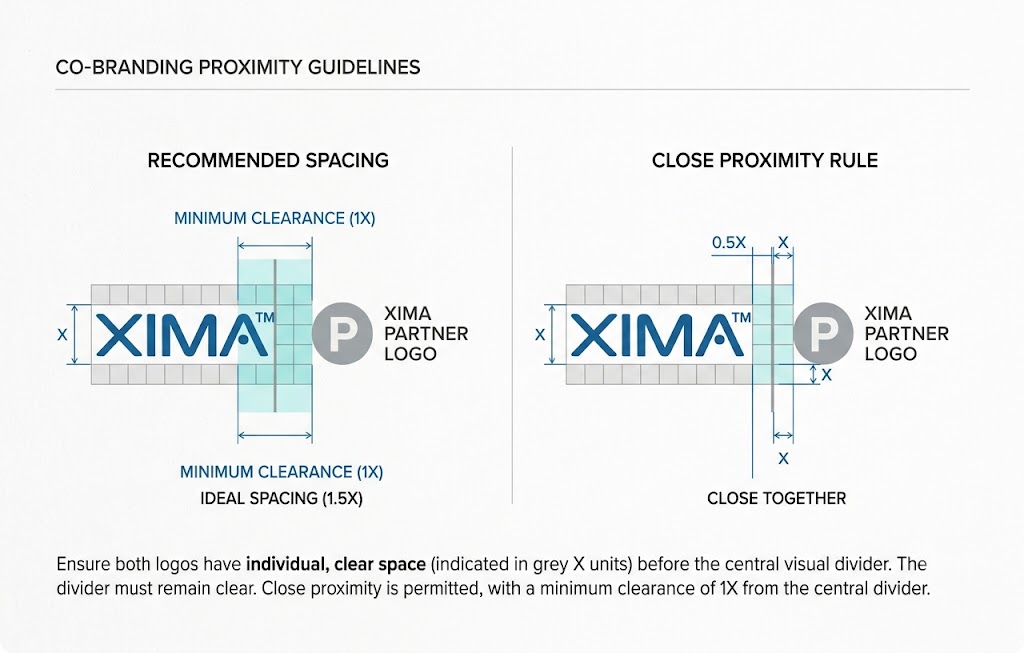
XIMA-LOGO-SIZING

Co-Branding Rules

If your page includes both your logo and the Xima logo:

  • Both logos must have clear visual separation

  • Neither logo should appear subordinate to the other

  • The Xima logo

    must follow all usage guidelines from the Brand and Messaging page

  • Do not place the logos side by side without a clear visual divider

If you're unsure whether your layout follows these rules, submit it for review and our Marketing team will review.

How to Get Your Page Reviewed

Before anything goes live, fill out the form below. Our Marketing team will review your submission and come back to you within 3 business days with feedback or approval.

What to include when you submit:

  • A link to your page if it's live in a staging environment, or a PDF or screenshot if it's still in progress
  • A note on your planned go-live date so we can prioritize if needed
  • Any specific questions or areas you'd like feedback on